November 2020 · Team project
T.A.A.F.U.: Temperature-Adjusting Arduino Fan Unit
A fan unit that watches temperature, runs its fan to bring it down, shows the reading on an LCD and status LEDs, and pushes an alert to an Android app if it cannot keep up. The idea: a cheap, independent backup for server cooling, so a cooling failure does not go unnoticed when nobody is on site.
At a glance
- Controllers
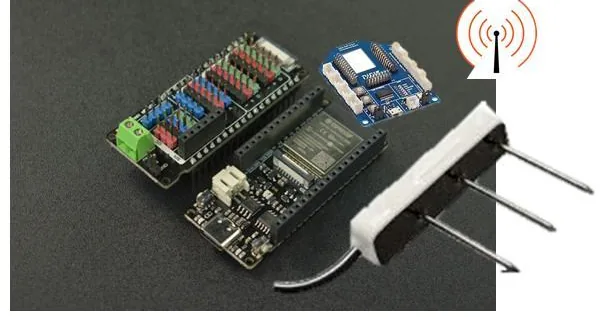
- Arduino UNO, plus an ESP8266 (ESP-12E) for Wi-Fi
- Sensor
- DHT11 temperature and humidity sensor
- Outputs
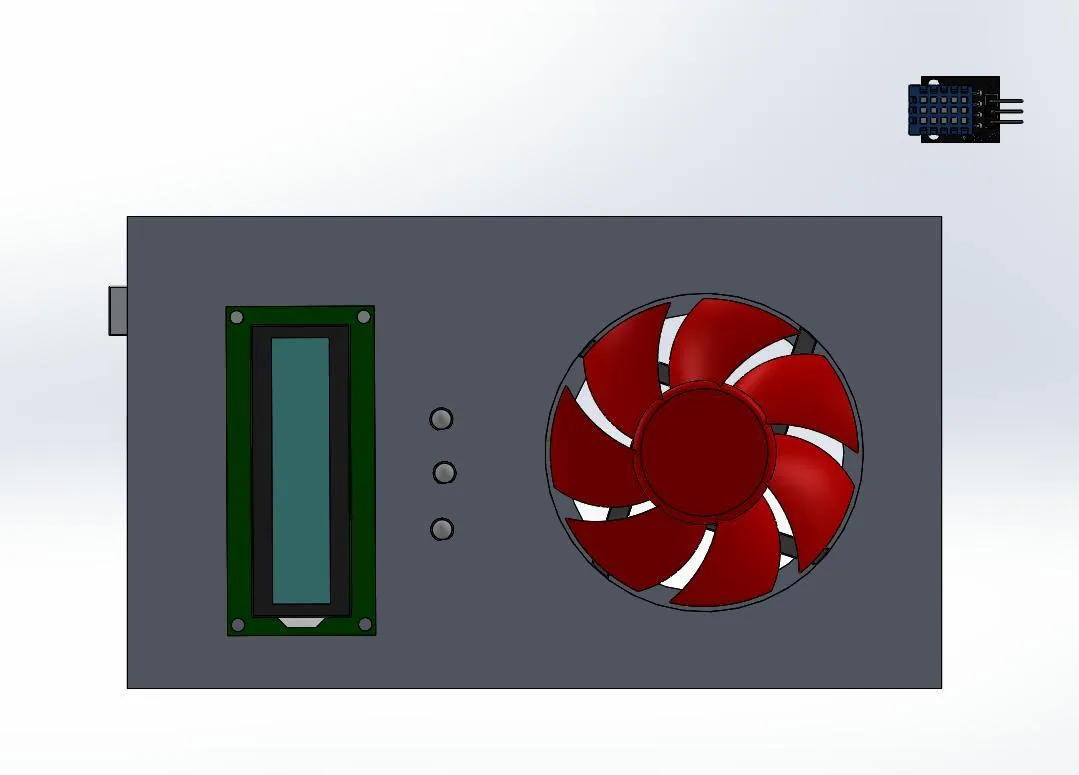
- CPU fan switched through a relay, 16x2 I2C LCD, RGB status LEDs
- Cloud and app
- Firebase Realtime Database feeding an Android app; NTP time stamps
- Enclosure
- Modelled in SolidWorks and 3D printed
How it works
- The board reads the DHT11 and shows the temperature on the LCD.
- A green LED means the temperature is in range; red means it is too high or too low.
- The fan turns on above a set temperature and off below a lower one. The design plan also called for varying its speed in between.
- Readings go to Firebase. If the temperature keeps rising, or stays high for too long, the Android app gets a push notification and keeps a log of the fan activity.
We also set a rule for the app: collect no user data beyond what it needs to work.
Files and links
- Original write-upHackster.io, November 22, 2020
- SolidWorks assembly.SLDASM, 2.6 MB
- Enclosure part.SLDPRT (box)
- Cover part.SLDPRT (cover)
The Android app was published on Google Play in 2020 and is no longer listed.